Platform
Your business records, working together.
From customer invoices to supplier payments, stock movements, and VAT reporting, see how your business records connect.

01 · Overview
See where your money stands.
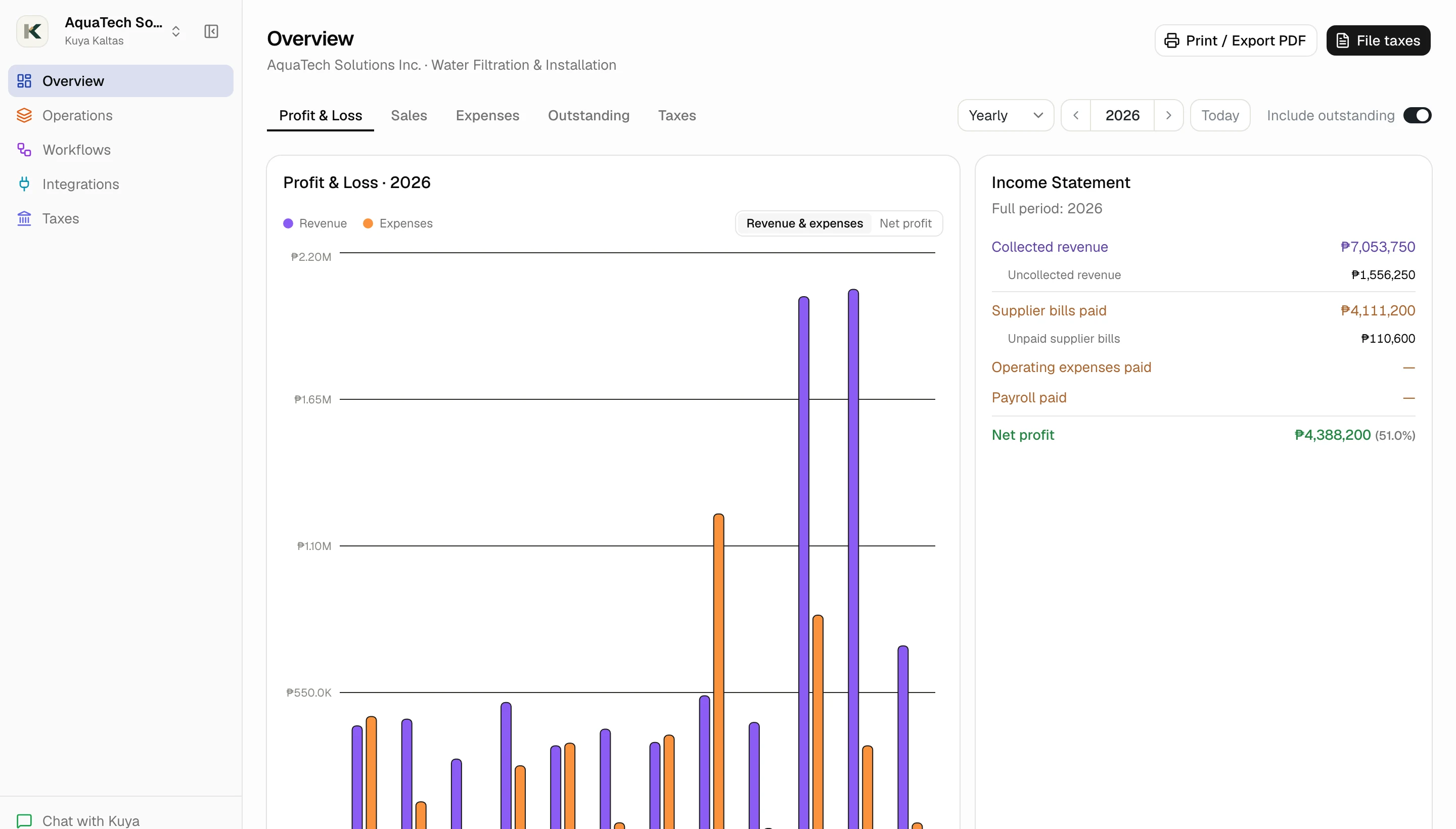
See your sales, expenses, profit, and unpaid balances together. Switch between paid-only and all recorded amounts to understand where your business stands.
- Sales and expenses
- Profit and loss
- Unpaid customer invoices
- Outstanding supplier bills
- VAT position

02 · Workflows
Get everyday tasks done right.
Selling a product? Buying stock? Recording an expense? Preparing the quarter's VAT return? Follow clear steps that help you complete each task and keep the right records together.
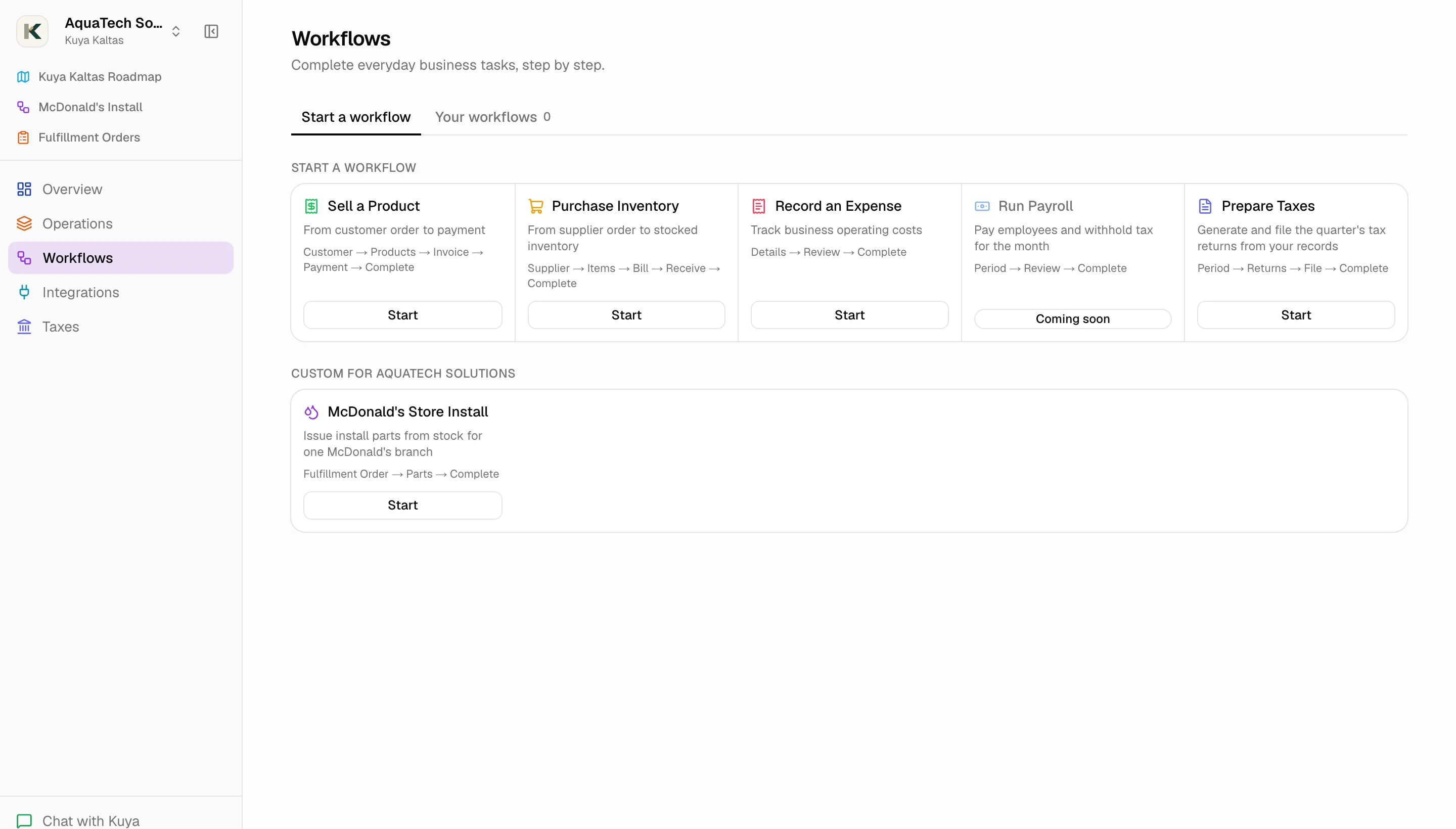
- Sell a product
- Purchase inventory
- Record an expense
- Prepare taxes
- Step-by-step guidance

03 · Operations
Your daily business, in one place.
Create invoices, record customer and supplier payments, manage bills, and track products, services and stock. Customer, supplier, employee and product records link to the transactions that involve them.
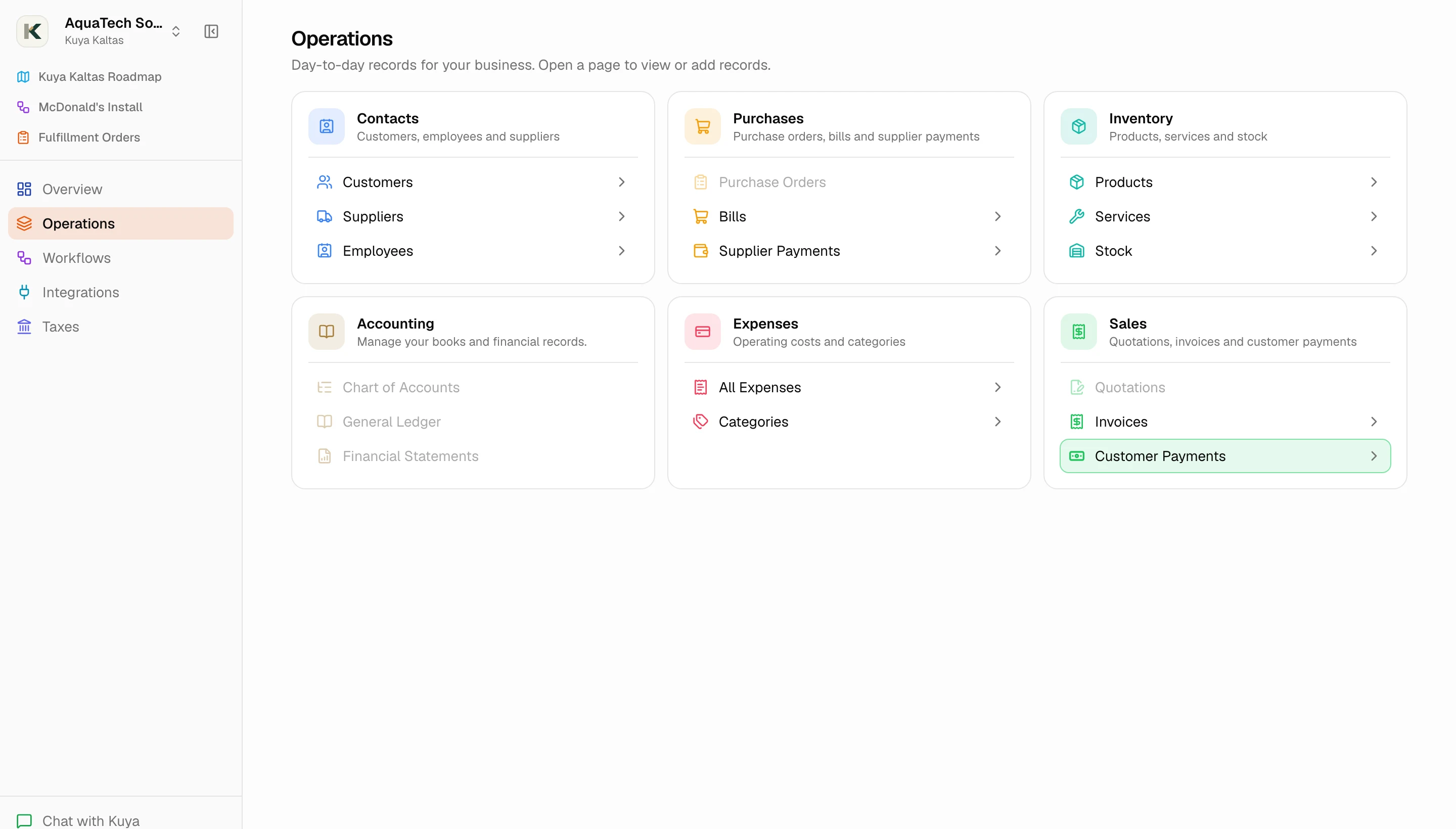
- Invoices and customer payments
- Supplier bills and payments
- Products, services and stock
- Expenses and categories
- Customers, suppliers and employees

04 · Tax compliance
Know what you owe the BIR.
See your VAT figures from recorded transactions. Prepare and review BIR Form 2550Q, export it as a PDF, and keep track of when you've filed.
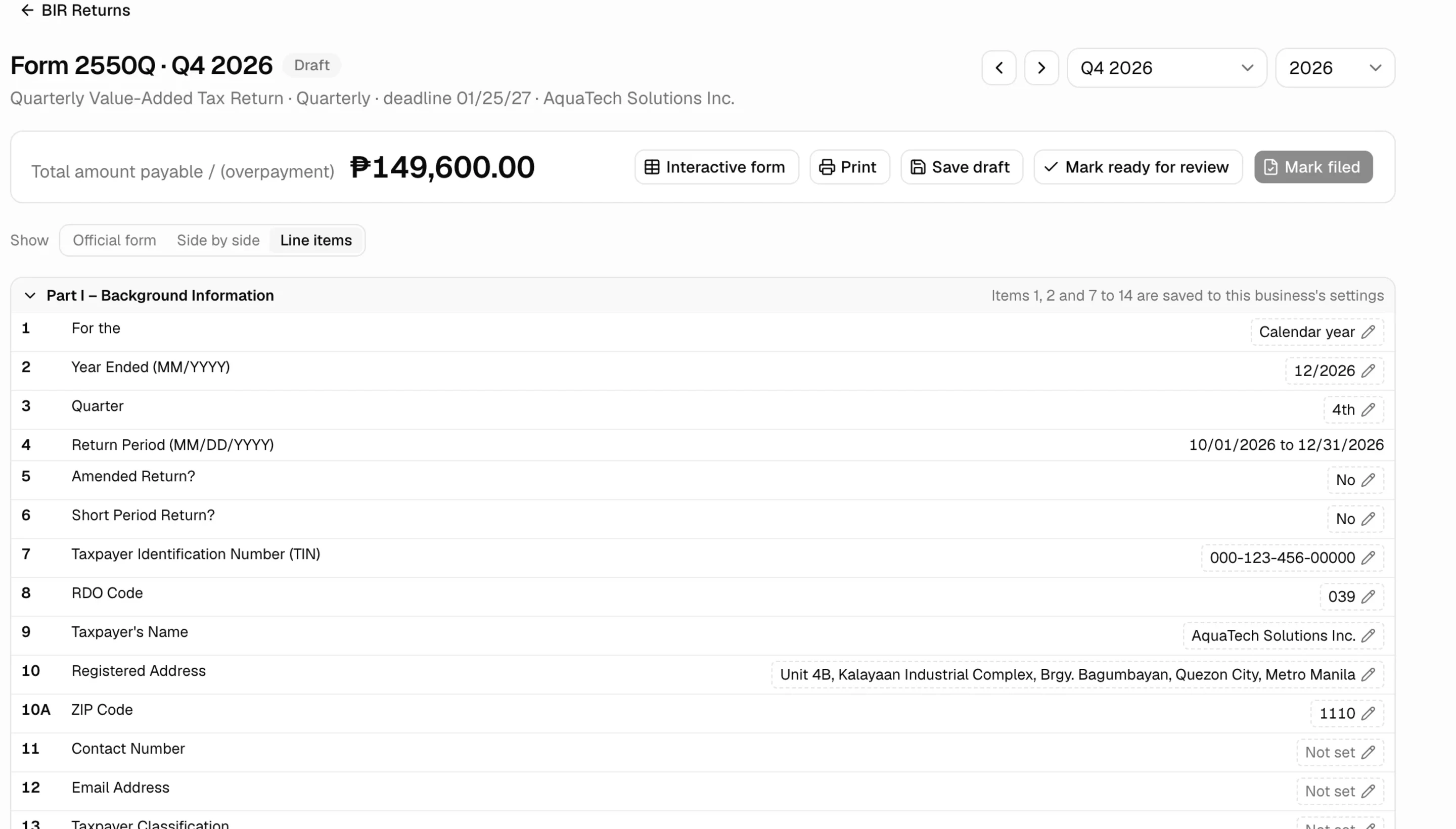
- VAT position
- Form 2550Q preparation
- Review before exporting
- PDF export
- Filing status tracking
05 · Chat with Kuya
Ask Kuya, in plain language.
Ask Kuya Kal how VAT works, what a line on the return means, or where to find something in the app, and get a straight answer.
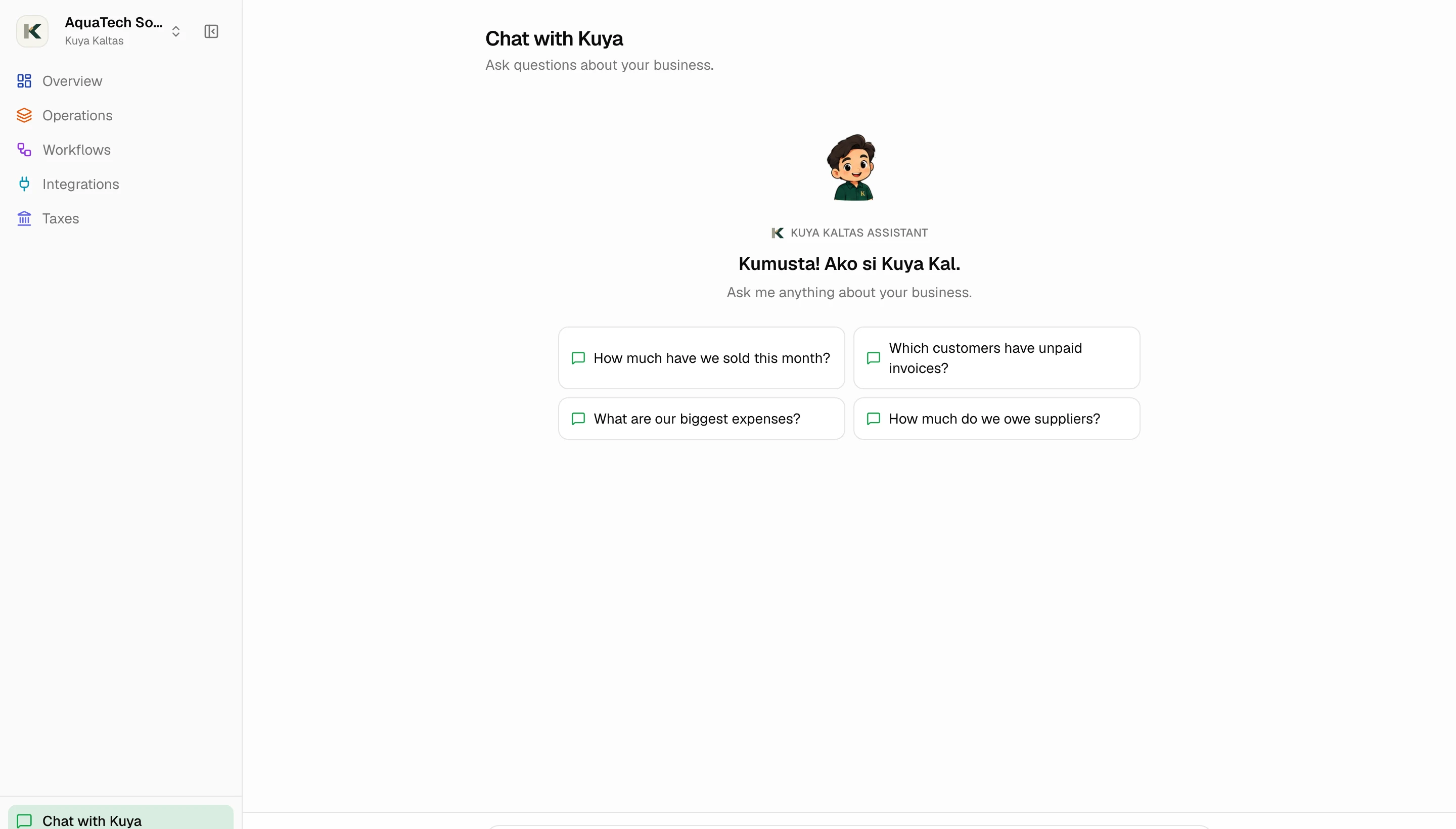
- Plain-language answers
- Bookkeeping and VAT basics
- Where to find things in the app
- Suggested questions to start